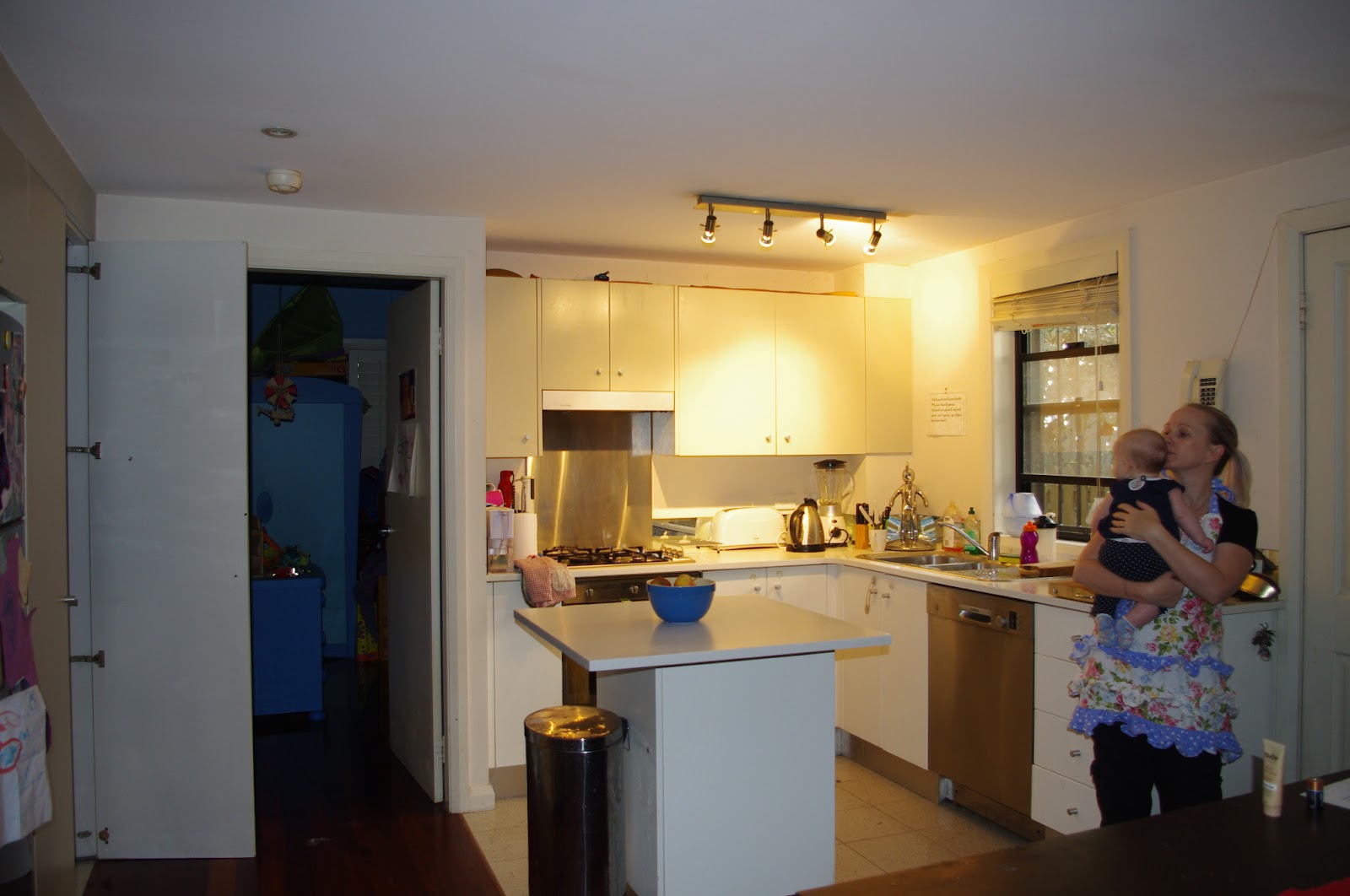
I've been waiting for this to be the word of the day, so excited to give it a go.
Here are the steps i took to get the final photo:
1. Set up your tripod & camera capturing the whole area for cloning. Check lighting etc & take a photo of the background. Do not move the camera after this shot is taken.
2. Start with your first pose & take the photo (i used a remote set on a 3 second delay) & follow with the rest of the poses you want.
3. Once all your poses are taken, they are ready for editing.
4. Do not start with colour correcting any photos, leave raw for now.
5. Using the the Rectangular Marquee tool, select around the area of the first pose, copy & then paste in a new layer on the photo of the background. Line up the first pose with the background photo.
6. Repeat step 5 with your next pose. If the 2 poses are overlapping use the eraser (soft brush) to remove excess background.
7. Repeat for the rest of your poses.
8. Once all poses are done flatten layer.
9. Colour correct.
10. I used the "Smart Sharpen" to define the image as well.
Final Image: